
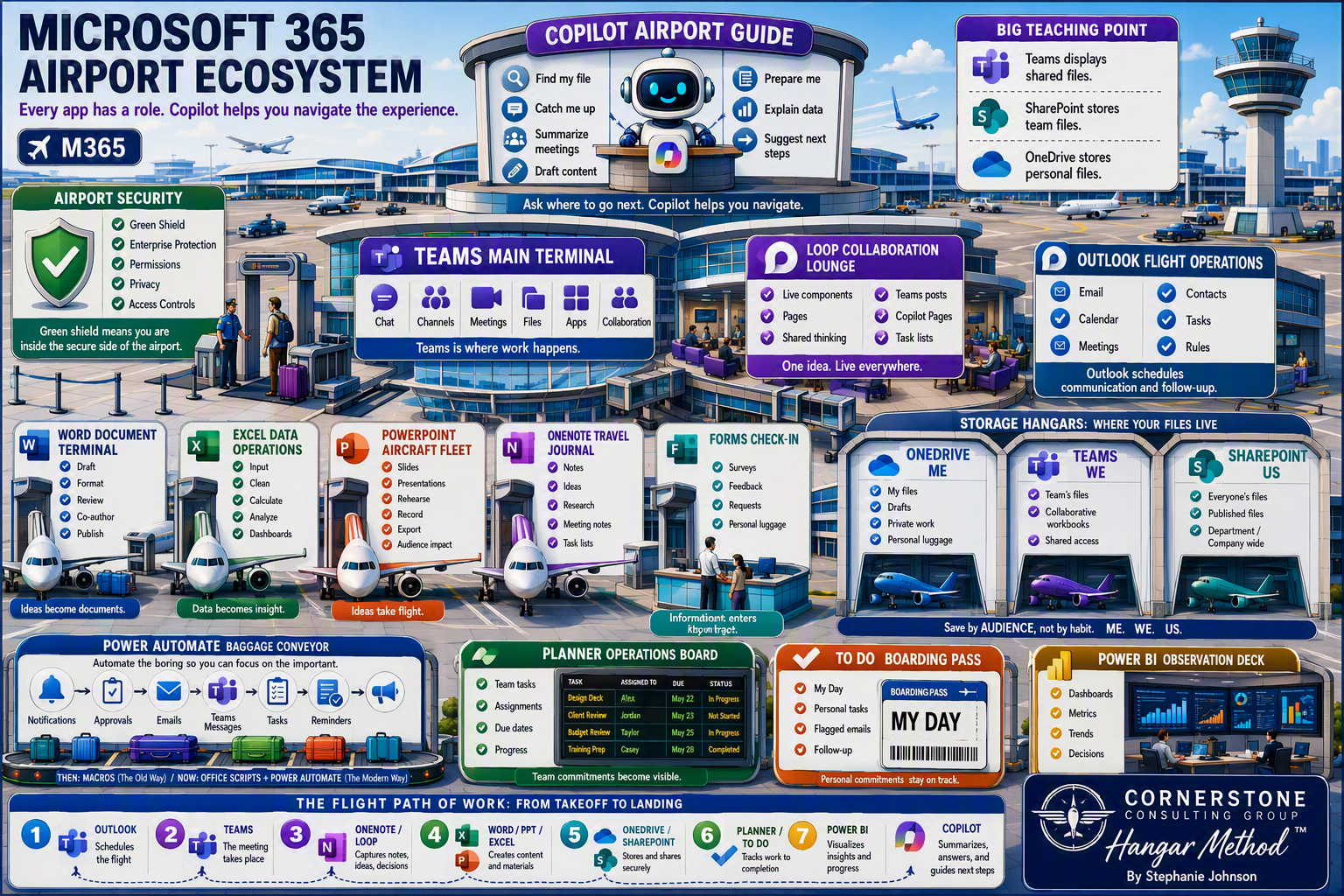
The Course
This course is for people who use Microsoft 365 all day and want CoPilot to genuinely help — not people who write software. If your work is email, documents, spreadsheets, meetings and reports, you are in the right place.
We start where most people get stuck: knowing which CoPilot you are actually in, getting your settings right so answers are grounded in your own work rather than the open web, and writing a prompt that returns something you can use. From there we move through the tools you will reach for every day — the prompt toolbar, saving and reusing what works, Notebooks, Pages and the Library, and getting your results back out into Word, Outlook or Teams.
Everything is demonstrated in the real applications, in plain English, at the pace of a working day. You can watch a lesson at your desk and use it that afternoon.
What you will learn
Which CoPilot you are in, and why the same question gives you different answers in Teams, in the app, and in Word.
How to set CoPilot up so it draws on your own files and conversations instead of the open web.
How to write a prompt that comes back usable the first time, using a simple structure you can keep in your head.
Where your work goes and how to find it again — Pages, the Library, Notebooks, and saved prompts.
How to move a good answer into Word, Outlook, Teams or PDF without retyping it.
Which settings make CoPilot sound like you rather than like a robot.
These are the questions that come up in every live class I teach. The course answers them in the same order people actually hit them.
Curriculum
Your instructor
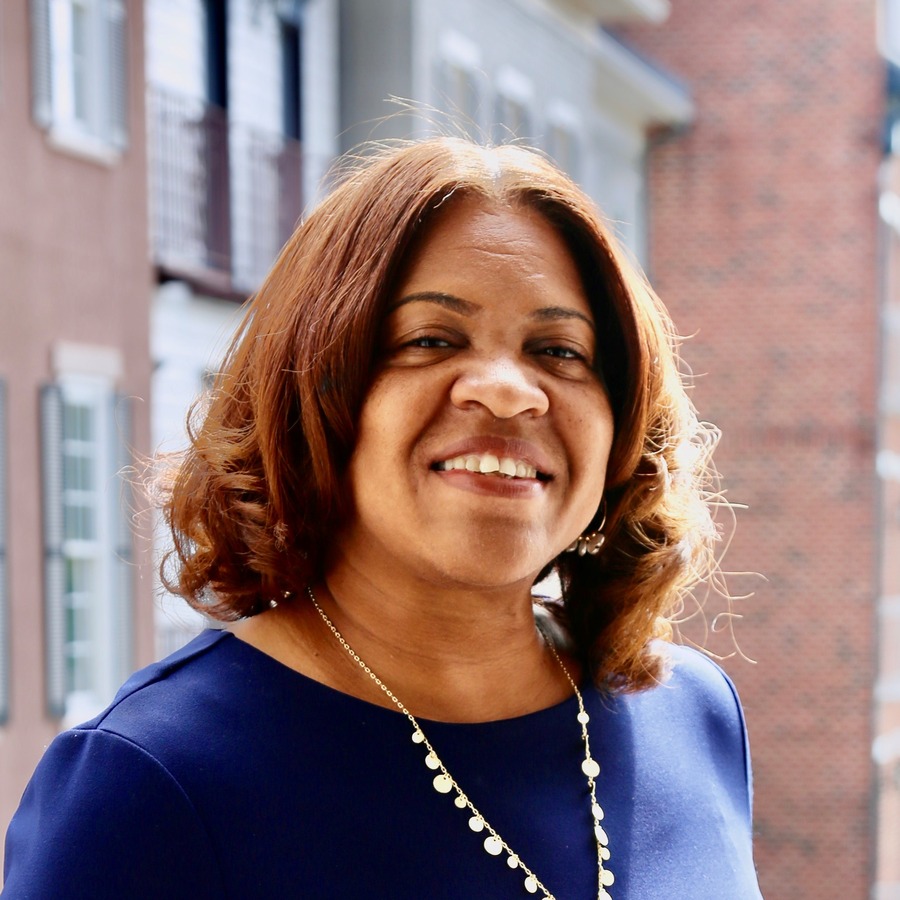
Stephanie Johnson is the founder of Cornerstone Training & Consulting and one of its primary trainers. Her vision is to be the training resource and partner of choice for her clients by providing stellar training solutions.
She has more than twenty years of training experience and holds multiple Microsoft, train-the-trainer, business skills, leadership and Franklin Covey certifications. Her friendly, upbeat training style has been requested across the United States, and she has trained more than 700,000 people across corporate, government, nonprofit and faith-based organizations.
Everything in this course comes out of rooms she has taught in — the same questions, in the same order people run into them.
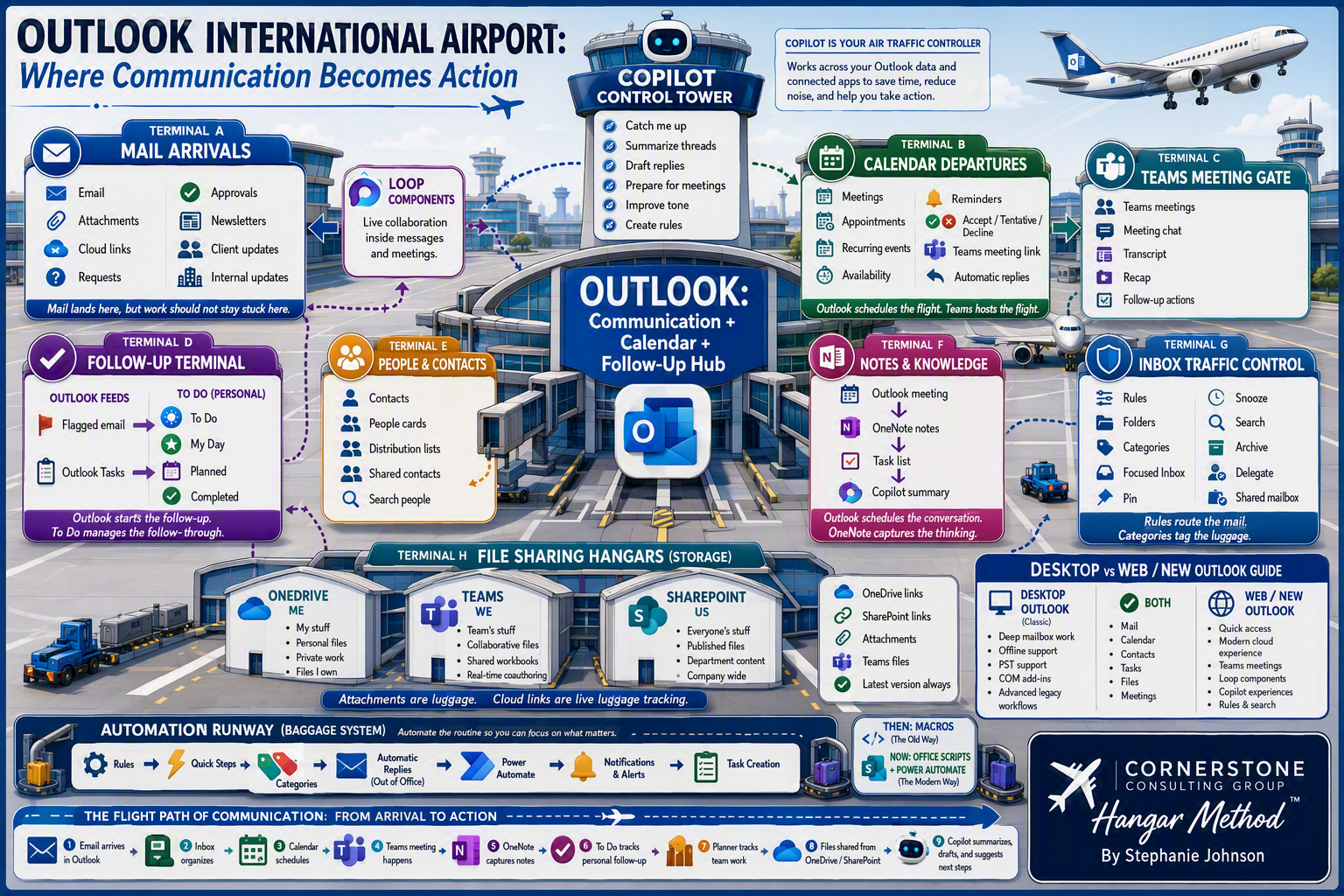
Built from real classrooms
Every lesson answers a question that came up in a live session.
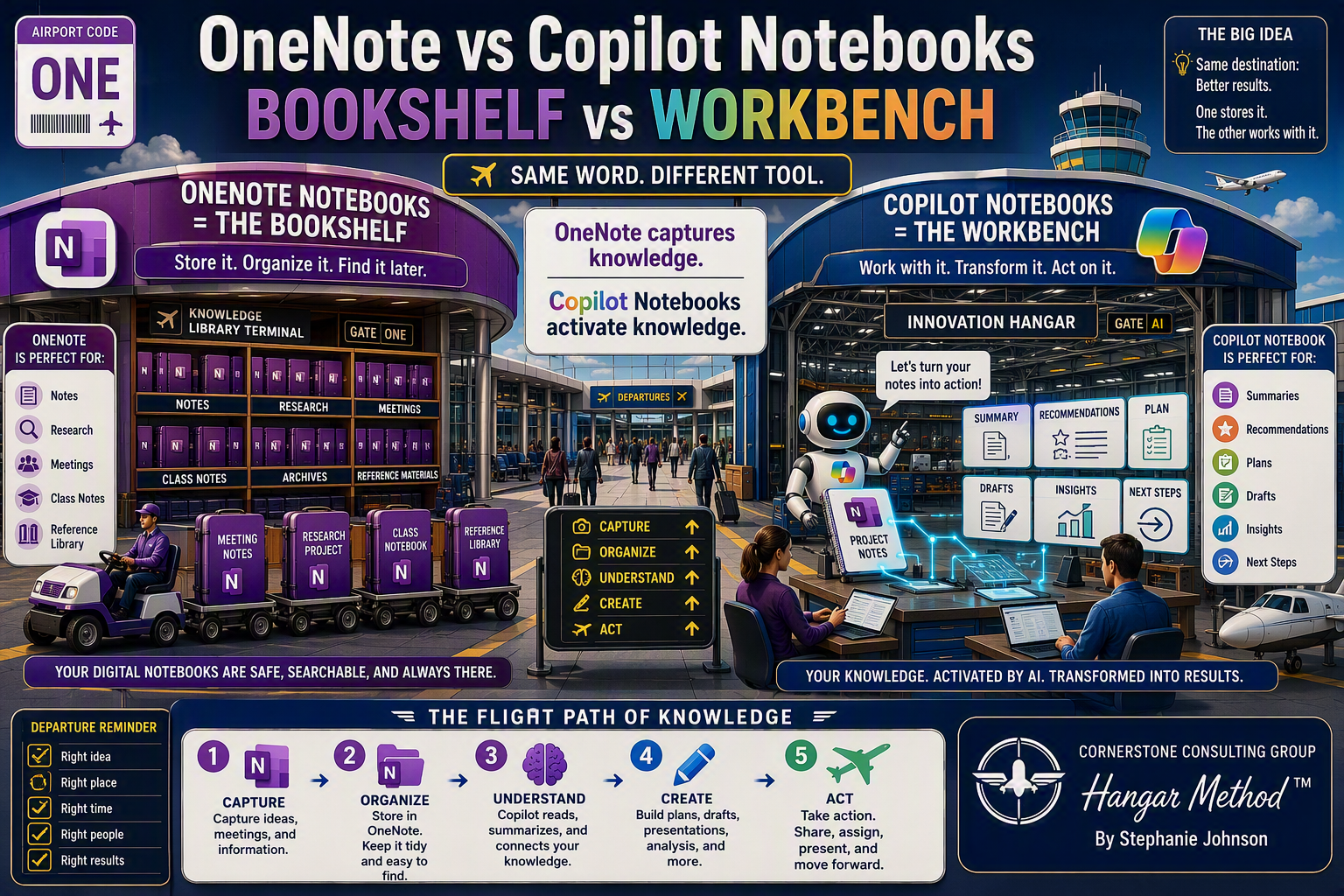
Taught in the real apps
Every click path is shown in Word, Outlook, Teams and the CoPilot app, not on slides.
Yours for a full year
Come back to any lesson for twelve months, at whatever pace your work allows.